Wondering how to prevent hackers from hacking your WhatsApp account? Then this article will guide you through a step-by-step procedure, of securing your WhatsApp account immediately.
How to prevent hackers from hacking your WhatsApp account
To prevent hackers from hacking your WhatsApp account, you must do the following:
1. The Power of Two-Step VerificationTwo-step protection simply means, double protecting your account with a secret password only you can access. so imagine a lock on your door, and then another, secret lock only you know about. That’s essentially what two-step verification is for your WhatsApp.
- How it works: Even if a hacker gets your verification code (the one WhatsApp sends to your phone when you first set it up), they still won’t be able to access your account without this secret PIN you create.
- How to set it up:
- Open WhatsApp.
- Go to Settings (usually represented by three dots or a gear icon).
- Tap on Account.
- Select Two-step verification.
- Tap Enable and follow the instructions to create a 6-digit PIN. You’ll also be asked to provide an email address, which is super important if you ever forget your PIN.
2. Be Wary of Suspicious Messages and Links
Hackers often try to trick you into giving them your information. This is called “phishing.”
- Look out for:
- Messages asking for personal details like your WhatsApp verification code, bank details, or passwords. WhatsApp will NEVER ask you for your verification code.
- Links that seem too good to be true (e.g., “Win a free iPhone!”) or from unknown senders.
- Messages with poor grammar or spelling, as these can be red flags.
- What to do:
- Do NOT click on suspicious links.
- Do NOT share your verification code with anyone, EVER.
- If a friend sends you a weird link, ask them directly (in person or with a phone call) if they actually sent it. Their account might have been hacked!
- You can report suspicious messages within WhatsApp.
3. Keep Your Phone Secure
Your WhatsApp account is tied to your phone, so protecting your phone is key.
- Use a strong screen lock: Set up a PIN, pattern, fingerprint, or face unlock on your phone. If someone can access your unlocked phone, they can easily access your WhatsApp.
- Don’t leave your phone unattended: Especially in public places.
- Be careful with public Wi-Fi: Public Wi-Fi networks can sometimes be less secure. Avoid accessing sensitive information or clicking on unknown links when connected to public Wi-Fi.
4. Regularly Update WhatsApp
Software updates aren’t just about new features; they often include important security fixes.
- How to update:
- Go to your phone’s app store (Google Play Store for Android, Apple App Store for iPhone).
- Search for “WhatsApp Messenger.”
- If an update is available, tap “Update.”
Why it matters: Updates patch up any “holes” that hackers might try to exploit.
5. Be Mindful of WhatsApp Web/Desktop
WhatsApp Web and Desktop versions are super convenient, but they need to be used carefully.
- Always log out: After using WhatsApp Web on a public or shared computer, always make sure to log out.
- Check active sessions:
- Open WhatsApp on your phone.
- Go to Settings.
- Tap on Linked Devices.
- Here you’ll see all active WhatsApp Web/Desktop sessions. If you see one you don’t recognize, tap on it and select “Log Out.”
6. Don’t Fall for Impersonation Scams
Sometimes, hackers might try to pretend to be someone you know.
- Verify their identity: If you get a message from a friend or family member asking for money or personal details, and it seems unusual, try to contact them through a different method (like a phone call) to confirm it’s really them. Their account might have been compromised.
Keeping your WhatsApp safe isn’t difficult if you follow these steps:
- Enable Two-Step Verification (most important!)
- Be suspicious of unknown links and requests for codes.
- Secure your phone with a screen lock.
- Keep your WhatsApp app updated.
- Log out of WhatsApp Web/Desktop on shared computers.
By being a little careful and using these security features, you can enjoy WhatsApp with peace of mind, knowing your chats are protected. Stay safe online!
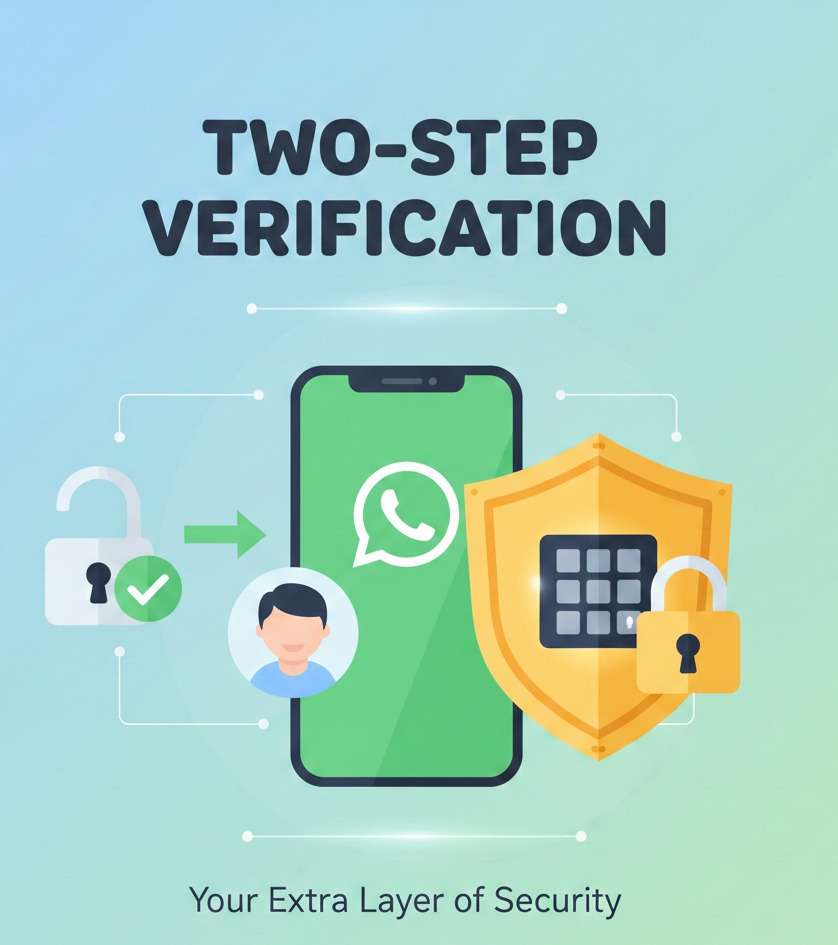
Here’s an illustration to help visualize the concept of two-step verification as an extra layer of security:






 Doctor Brandy Harmon