
How to protect your smartphone from scammers in 2026: A guide to cybersecurity and user protection.
How to protect your smartphone from scammers in 2026, depends on your willingness to be extra careful in your dealings online.
In 2026, the smartphone is more than just a communication tool; it is a portable vault containing your bank accounts, personal memories, and professional identity. However, as mobile technology has advanced, so too have the tactics of scammers. From AI-driven voice cloning to sophisticated “RatON” malware, the threats are more convincing than ever.
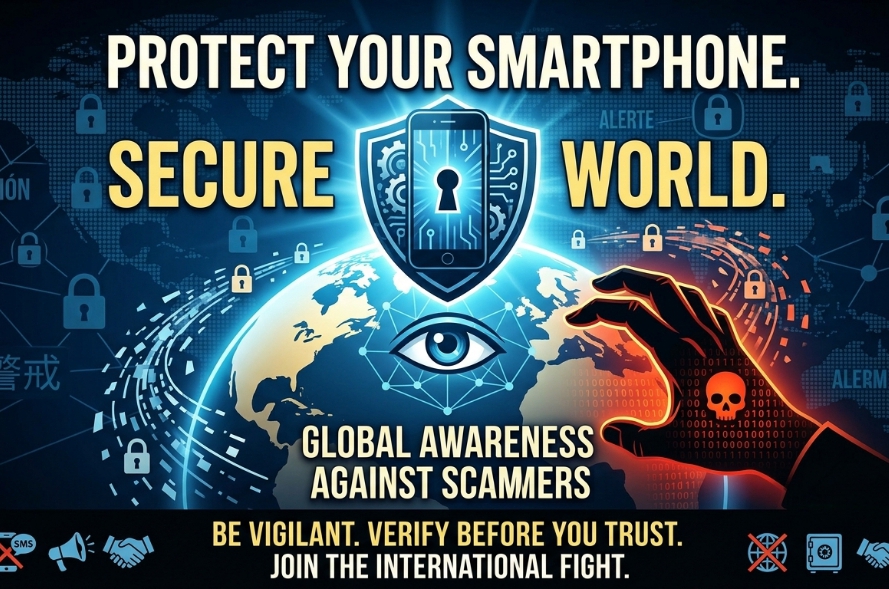
To stay safe this year, you must move beyond basic passwords and adopt a “Zero-Trust” mindset toward your mobile device.
Steps to protecting your smartphone from scammers in 2026
1. The Rise of AI-Driven Scams
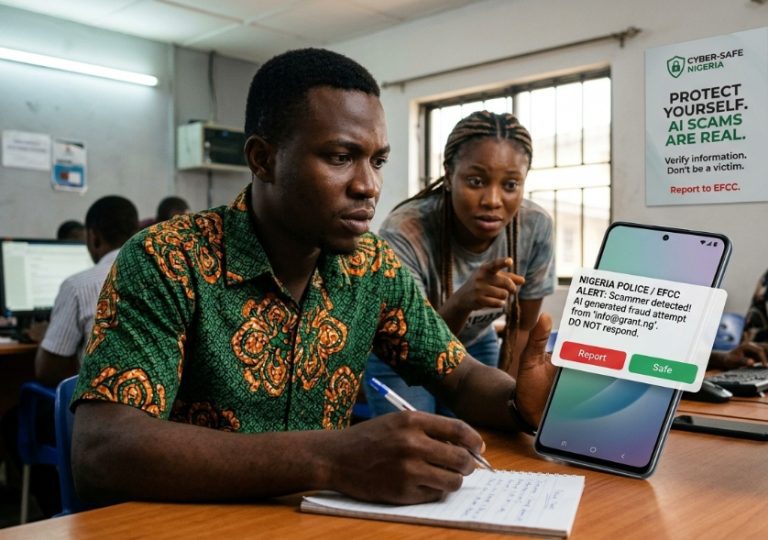
The most significant shift in 2026 is the use of Generative AI by fraudsters. Scammers no longer rely on poorly written emails; they now use tools to create highly personalized attacks.
- Deepfake Voice & Video: Scammers can clone the voice of a family member or a bank official using just a 30-second clip from social media. If you receive an urgent call from a “loved one” asking for money due to an emergency, hang up and call them back on their known number.
- Hyper-Personalized Phishing: AI now scans public profiles to craft messages that mimic your boss’s writing style or your favorite brand’s tone. Never click links in SMS or WhatsApp messages, even if they look legitimate. Always go directly to the official app or website.
- Your Access Points
2. Use more complex passwords ( e.g. Soilo123*!)
The days of the 4-digit PIN are over. To protect your data, you need multi-layered authentication.
- Move Beyond SMS 2FA: Scammers now use “SIM Swapping” to intercept the text codes sent to your phone. Switch your Two-Factor Authentication (2FA) to an Authenticator App (like Google Authenticator or Bitwarden) or a physical security key.
- Biometrics + Long Passphrases: Use biometric locks (fingerprint or face ID) but back them up with a complex passphrase rather than a simple pattern. Patterns leave visible “smudge trails” on your screen that thieves can follow.
- The “Privacy Display” Era: If you use a flagship phone from 2026, ensure your “Privacy Shield” or “AI Shoulder-Surfing” protection is active. These features use the front camera to detect if someone else is looking at your screen and will automatically blur sensitive data.
3. App Hygiene and the “RatON” Threat
Malware has become more aggressive. A new threat known as RatON combines Remote Access Trojans with NFC (Near Field Communication) relay attacks.
- Official Stores Only: Even though 2026 offers many third-party app stores, stick to the Google Play Store or Apple App Store. These platforms use AI-driven scanning to catch malware before it reaches you.
- Audit Your Permissions: Periodically check which apps have access to your microphone, camera, and location. If a simple calculator app or a “flashlight” tool asks for your contacts, delete it immediately.
- Kill “Ghost” Apps: We all have apps we haven’t opened in months. These are security goldmines for hackers. If you don’t use it, delete it.
4. Network and Connection Safety
Public Wi-Fi remains a primary hunting ground for scammers looking to “sniff” your data.
- Avoid Public Wi-Fi for Banking: Never log into a bank or sensitive work account on airport or cafe Wi-Fi. If you must use it, always engage a VPN (Virtual Private Network) to encrypt your traffic.
- Disable Auto-Connect: Turn off “Auto-join” for Wi-Fi and Bluetooth. Scammers set up “Honey Pot” hotspots with names like “Free_Mall_WiFi” to trick your phone into connecting automatically.
- NFC Security: With the rise of contactless payments, “NFC Siphoning” is a risk in crowded areas. Keep your NFC turned off when not in use, or use a signal-blocking phone case.
5. Protecting Your Financial Apps
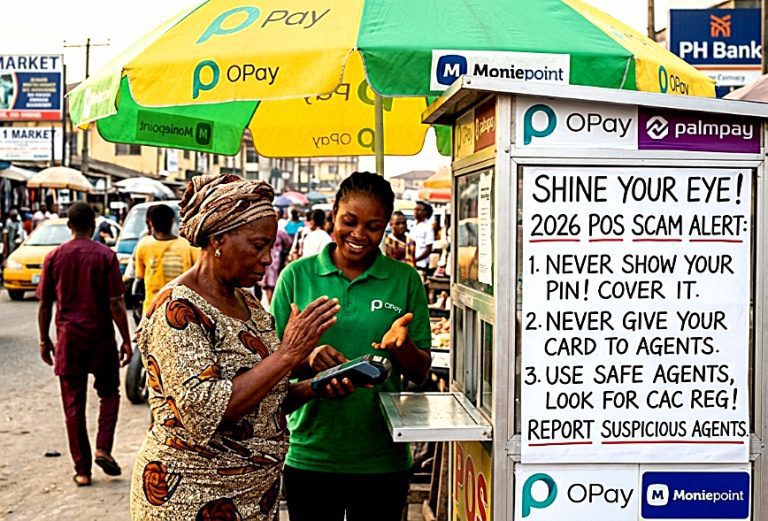
In Nigeria and globally, mobile banking is the ultimate prize for scammers.
- Enable Transaction Alerts: Set your bank app to send an immediate notification for every transaction. This allows you to spot and report unauthorized activity within seconds.
- Use Virtual Cards: For online shopping or “one-time” subscriptions, use virtual debit cards with spending limits. This ensures that even if a site is compromised, your main bank account remains safe.
- Watch for Fake Banking Apps: Scammers often circulate “Lite” versions of popular banking apps via WhatsApp or Telegram. These are clones designed to steal your login credentials. Only download banking apps via links found on the bank’s official website.
6. Physical Security:
If your phone is physically stolen, the first 60 minutes are critical.
- Enable “Find My Device”: Ensure this is active and that you know how to log in from a computer to Remote Wipe your data.
- SIM Card PIN: Set a PIN on your physical SIM card (or switch to an eSIM/iSIM). If a thief puts your SIM into another phone, they won’t be able to receive your 2FA codes or access your contacts without that PIN.
Summary Checklist for 2026
| Action | Frequency | Why? |
|---|---|---|
| Software Updates | Weekly | Patches new security “holes.” |
| Permission Audit | Monthly | Stops apps from spying in the background. |
| Password Change | Every 6 Months | Protects against old data breaches. |
| Manual Restart | Daily | Can clear certain types of resident malware. |
In 2026, the National Institute of Standards and Technology (NIST) remains a primary international authority on smartphone security. Their updated Special Publication (SP) 1800-22, titled “Mobile Device Security: Cloud and Hybrid Environments,” serves as the gold standard for both enterprises and individuals.
NIST 2026 Guidelines: The “Zero Trust” Mobile Standard
NIST’s current framework shifts away from traditional “perimeter” defense (just a password) to a model where the device is constantly verifying its own integrity. Key takeaways from their 2026 guidance include:
- Verified Digital Credentials (VDCs): NIST now emphasizes moving away from SMS-based 2FA in favor of verifiable digital credentials stored in a hardware-isolated environment (like a secure enclave or “Knox Vault”).
- Hardware-Rooted Security: Authorities now recommend that users prioritize devices with a “Security Baseline” switch. This single toggle (found in 2026 OS updates) automatically deactivates legacy 2G networks (often used for intercepting calls) and blocks USB data transfers unless the device is unlocked.
- Inactivity Reboots: A new NIST-backed standard is the “72-hour Inactivity Reboot.” If a phone remains locked for three days, it automatically reboots into a “Before First Unlock” (BFU) state, which encrypts all user data more deeply, making it nearly impossible for scanners to bypass.
Authorities to Follow
- CISA (Cybersecurity & Infrastructure Security Agency): In early 2026, CISA issued Binding Operational Directive 26-02, which strictly mandates the removal of “End-of-Support” (EOS) edge devices. For you, this means if your smartphone is no longer receiving official security patches from the manufacturer, it is considered an active threat and should be replaced.
- ENISA (EU Agency for Cybersecurity): Their 2026 International Strategy focuses on “Secure Package Management.” They warn that in the current era of open app marketplaces, users must only use app stores that provide SBOMs (Software Bill of Materials) to ensure no hidden malicious code is inside your apps.
- ITU (International Telecommunication Union): Recommendation ITU-T X.1158 now provides specific mechanisms for “Multi-factor Authentication Using a Mobile Device,” emphasizing behavioral biometrics (how you type or hold your phone) as a secondary layer of protection against scammers.
FAQ
How can I protect my phone from scammers
which type of password is safe again scammers
how can I protect my bank account from scammers in 2026




 Doctor Brandy Harmon